
For most Calgary buyers, an 8K monitor isn’t a realistic purchase. The category is niche, and the one verified model here, the Asus ProArt Display 8K PA32KCX, is built for professional colour and video work, not everyday use. It’s a 32-inch panel with 7680 x 4320 resolution, a 4032-zone mini LED backlight, 1200 nits of peak brightness and Thunderbolt 4 with up to 96W of power delivery. It also supports Dolby Vision, HLG and HDR10, which matters to colourists and HDR editors and to almost nobody else.
Everyday listings sit in a very different range. Instacart shows an Acer Nitro XZ340CUR curved UWQHD gaming monitor (3440 x 1440) at $416.99 and a standard Acer monitor at $316.99. On Facebook Marketplace in Calgary, a KOORUI 27-inch IPS monitor appeared at 85 CA$. Stock and prices change, so treat these as reference points, not guarantees. The sections below cover what to look for and where to shop locally.
Why 8K Monitors Are Drawing Attention Among Computer Monitors in Calgary
Resolution is simply the number of pixels a screen displays, and more pixels mean finer detail. 8K UHD is 7680×4320 roughly 33 million pixels. That is four times the pixel count of 4K (3840 x 2160) and sixteen times that of 1080p. On a 32-inch panel, the extra density produces extremely sharp text and images, though the difference over 4K is hard to spot at a normal desk distance.
So who actually uses it? Mostly video editors, colourists, photographers and studios that need to inspect fine detail or work with 8K footage. Verified examples of this tier include the Asus ProArt Display 8K PA32KCX, a 32-inch 8K monitor with a 4032-zone mini LED backlight. Local dimming means the backlight is split into zones that brighten or darken independently, which deepens blacks and improves contrast in HDR content. Developments like the CES monitor tech showcased in recent years show how quickly these features are evolving.
For Canadian consumers, the practical angle is straightforward. An 8K monitor is a premium purchase, and stock in Calgary is limited, so you will likely need to confirm availability with retailers rather than expect to browse one in person. It also demands a capable computer and the right connections, which is worth researching before you spend. For most everyday work, gaming and streaming, a 4K or ultrawide display covers the need at a much lower cost.
Top 8K and Alternative Monitor Picks for Calgary Shoppers
1. Asus ProArt Display 8K PA32KCX: The Reference 8K Option
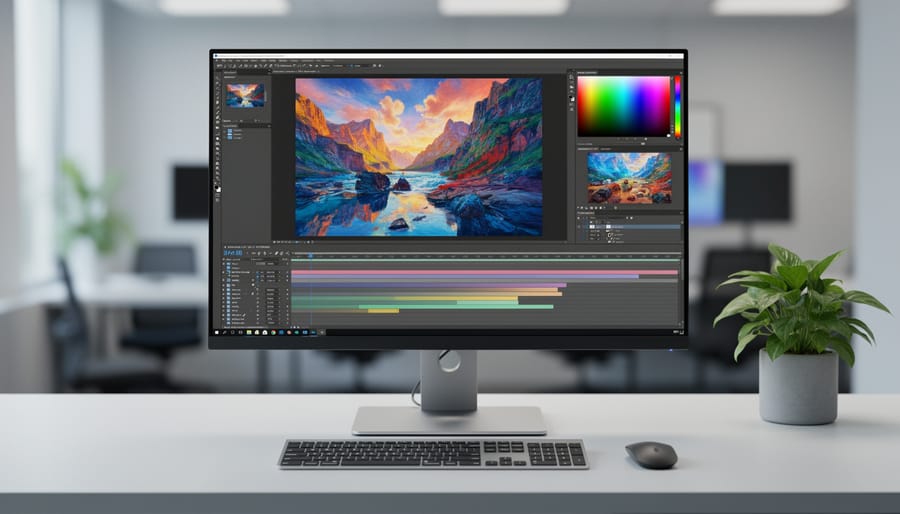
The Asus ProArt Display 8K PA32KCX is a 32-inch 8K UHD monitor with a resolution of 7680 x 4320 pixels. Resolution simply means the number of pixels on screen, and 8K packs in four times as many as 4K. That density is aimed at colourists, video editors, photographers and studios who need to inspect fine detail without zooming in.
Its verified strengths go beyond pixel count. A 4032-zone local dimming mini LED backlight dims or brightens small areas of the screen independently, which sharpens contrast in dark scenes. Peak brightness reaches 1200 nits (a nit is a measure of light output), giving headroom for HDR work. It supports Dolby Vision, HLG and HDR10, and a Thunderbolt 4 port delivers up to 96W of power for a single-cable laptop connection.
This is a reference-class display built for professional workflows. We have not verified its price or Calgary availability, so confirm both with retailers before planning a purchase.
2. Mini LED Backlighting and 1200 Nits Peak Brightness on the PA32KCX
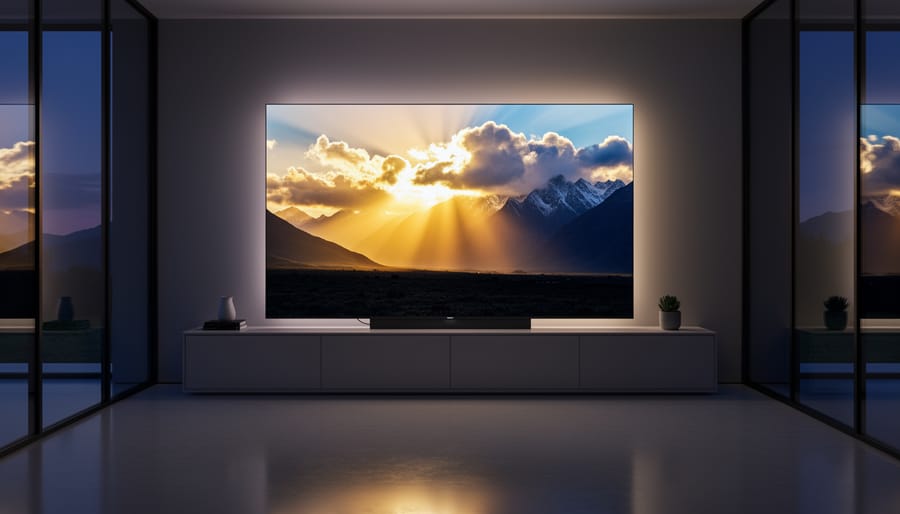
The Asus ProArt Display 8K PA32KCX uses a 4032-zone local dimming mini LED backlight. In plain terms, the screen’s light is split into thousands of small zones that can dim or brighten independently. When a scene has a bright highlight next to deep shadow, the monitor can darken the shadow zones instead of letting light bleed across the whole panel, which gives better contrast.
Peak brightness is rated at 1200 nits. A nit is a unit of luminance, roughly the light a screen emits per square metre. Higher numbers let HDR highlights, like sunlight on metal or a lit window, stand out from the rest of the image rather than looking flat.
For HDR work, the two features support each other. Many zones control where light goes, and high peak brightness controls how strong the brightest parts get. Together they help editors and colourists judge HDR footage more accurately, though only for people who actually need that precision.
3. Thunderbolt 4 and HDR Format Support (Dolby Vision, HLG, HDR10)
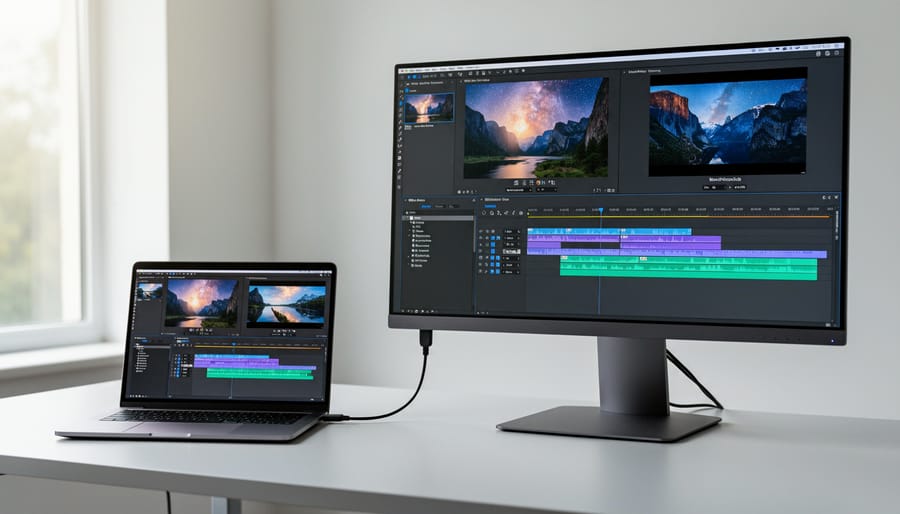
The Asus ProArt Display 8K PA32KCX supports Thunderbolt 4 with up to 96W Power Delivery. In practice, that means one cable can carry the video signal to the monitor and charge a compatible laptop at the same time. It cuts desk clutter, though you should confirm your laptop’s port supports Thunderbolt and can drive an 8K display.
The monitor also supports three HDR formats. HDR, short for high dynamic range, widens the gap between the darkest and brightest parts of an image.
– Dolby Vision: a proprietary format that adjusts brightness and colour scene by scene.
– HLG (Hybrid Log-Gamma): a broadcast-oriented format designed to work on both HDR and standard displays.
– HDR10: the common open HDR standard, using fixed metadata across a whole video.
Support for all three matters mainly to editors and colourists who work with content from different sources.
4. Acer Nitro XZ340CUR: Ultrawide QHD Gaming at a Mid-Range Price
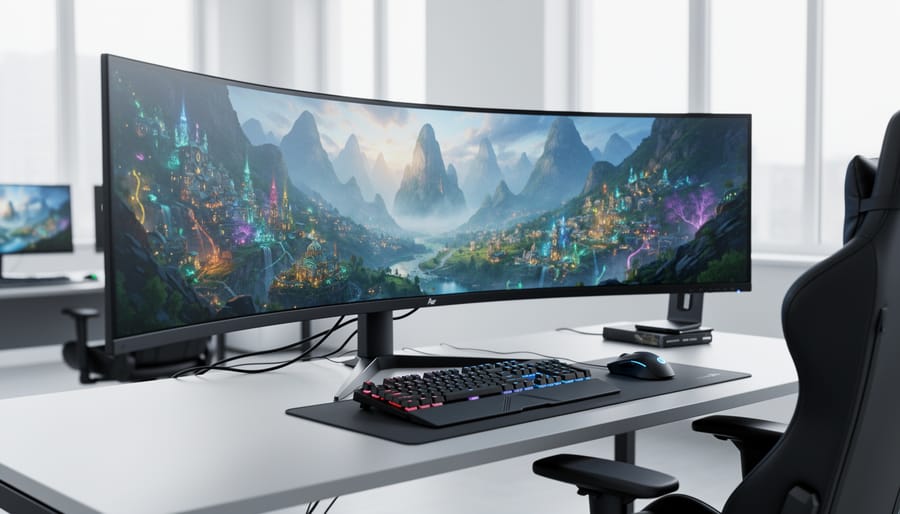
The Acer Nitro XZ340CUR is a curved gaming monitor with UWQHD resolution (3440 x 1440). That means a wide 21:9 picture with 3,440 pixels across and 1,440 down, a good fit for games, spreadsheets and side-by-side windows. Instacart lists it at $416.99. Listed prices can change, so confirm the current figure with the retailer before you buy.
Is it a realistic alternative to 8K? For most people, yes. It offers far more screen space than a standard 1080p display, and it costs a fraction of what a professional 8K panel does. Your graphics card also has far fewer pixels to push, so an average gaming PC can run it comfortably. If you want more detail than 1080p without paying for a niche product, this is a sensible middle step.
5. Acer Computer Monitor and the Used KOORUI 27-Inch IPS Option
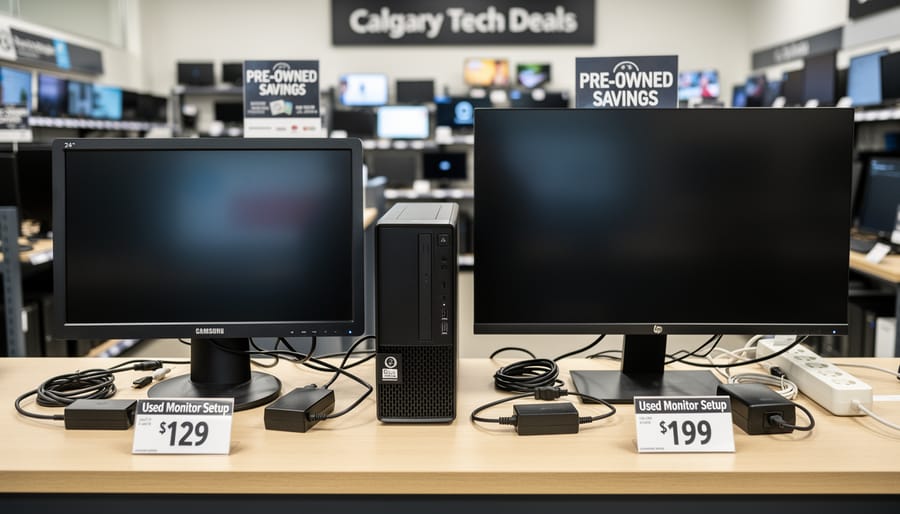
Not every monitor purchase needs a premium panel, and the budget and secondhand end of the market shows how far a smaller spend can go. Instacart lists an Acer computer monitor at $316.99, which is a useful reference point for a straightforward new display. Listed prices can change, so treat that figure as a snapshot rather than a promise of current availability.
At the lower end, a Facebook Marketplace search for Calgary showed a KOORUI 27-inch IPS monitor for sale at CA$85. IPS refers to a panel type known for wide viewing angles and consistent colour. A 27-inch IPS screen is a sensible fit for everyday work, but note that neither of these examples is an 8K display. Listings like this one come and go quickly, so don’t count on it being there.
If you buy secondhand, inspect the screen in person for dead pixels, backlight bleed and port function before you hand over any money.
Practical Information: Buying a Monitor in Calgary

Before buying any monitor in Calgary, especially an 8K model, check that your computer can actually drive it. The 7680 x 4320 resolution of a display like the Asus ProArt Display 8K PA32KCX demands far more graphics power and cable bandwidth than a standard 4K screen. Most older graphics cards simply cannot output a usable 8K signal, so confirm the exact specifications of your GPU and the monitor’s ports before you spend anything.
Scaling matters too. At 32 inches with that many pixels, text and icons shrink dramatically unless your operating system scales them up. Measure your desk depth as well, since a larger panel needs more viewing distance to be comfortable.
Here is a short checklist to work through before you commit:
- Confirm your GPU can output the monitor’s native resolution at the refresh rate you want.
- Match the connection type, such as Thunderbolt 4 or DisplayPort, to a certified cable with enough bandwidth.
- Compare panel size against your desk depth and normal viewing distance.
- Check how the operating system scales text and interface elements at that resolution.
- Ask about the warranty length and what it covers, including dead pixels.
- Get the return policy in writing, including any restocking fees.
- For used units, test every port, look for backlight bleed, and check for stuck or dead pixels.
Stock and warranty terms vary between Canadian retailers, so contact them directly rather than relying on a listing. Ask whether the specific model is in stock, whether the warranty is valid in Canada, and how returns are handled. Prices and availability change often, so treat any figure you see online as a starting point to verify.
For secondhand purchases, such as a KOORUI 27-inch IPS monitor seen on Facebook Marketplace in Calgary at CA$85, inspect before paying. Ask the seller to power it on, display a plain white and a plain black screen, and confirm the stand and cables are included. A short in-person test costs nothing and can save you from buying a screen with hidden faults.
Local Tips for Calgary Monitor Shoppers
Start by comparing new retail against local classifieds. A mainstream monitor from a retailer, such as the Acer Nitro XZ340CUR listed on Instacart at $416.99, gives you a warranty and a return window. A used listing, like the KOORUI 27-inch IPS monitor seen on Facebook Marketplace Calgary at CA$85, can cost far less but carries more risk. Listings and prices change, so check them again before you commit.
Meet in a public place and bring a laptop or cable so you can actually see the screen running. If you’re weighing the total cost, remember that Alberta has no provincial sales tax, though GST still applies to most purchases.
Before paying for 8K, ask whether 4K or an ultrawide would do the job. For most desk work, gaming and general editing, they cover the need at a much lower price, and they’re far easier to find locally. You can also follow broader tech accessory updates to see what’s changing in the market before you buy.
Common Questions About 8K Monitors and Computer Monitors in Calgary
Is 8K worth it for most people?
Usually not. 8K (7680 x 4320 resolution) suits video editors, colourists and photographers, while most buyers are better served by 4K or ultrawide monitors that cost far less and are easier to find.
Can my computer run an 8K monitor?
Only if your graphics card and ports support 8K output at the refresh rate you want. A monitor like the Asus ProArt Display 8K PA32KCX connects over Thunderbolt 4 with up to 96W Power Delivery, so check your laptop or GPU specifications and cable bandwidth first.
Can I find 8K monitors locally in Calgary?
Don’t count on it. Local listings we reviewed leaned toward mainstream and used models, such as a KOORUI 27-inch IPS monitor at CA$85 on Facebook Marketplace Calgary, so contact retailers directly to confirm any 8K stock.
How does 8K compare with 4K and ultrawide?
8K packs far more pixels, but the benefit shows mainly on large screens and in professional workflows. An ultrawide like the Acer Nitro XZ340CUR (3440 x 1440), listed at $416.99 on Instacart, is a more affordable way to gain screen space.
Used monitors can be a reasonable buy if you test them in person before paying. Wireless gear follows a similar rule: understanding the technology, such as how 5G works helps you judge what you actually need before spending.
Ultimately, 8K monitors like the Asus ProArt Display 8K PA32KCX serve a narrow professional audience. Its 32-inch 7680 x 4320 panel, 1200 nits of peak brightness and Thunderbolt 4 connection are built for colourists, editors and studios, not everyday computer monitors Calgary shoppers browsing for a home office or gaming desk.
For most people, a mainstream or used monitor makes far more sense. Examples include the Acer Nitro XZ340CUR ultrawide listed at $416.99 on Instacart, or a secondhand KOORUI 27-inch IPS seen for CA$85 in a Calgary Facebook Marketplace search. Prices and listings change often, so confirm current pricing, stock and warranty directly with retailers before you buy.